Connect ChatGPT, Claude and Codex to your board - securely, with OAuth
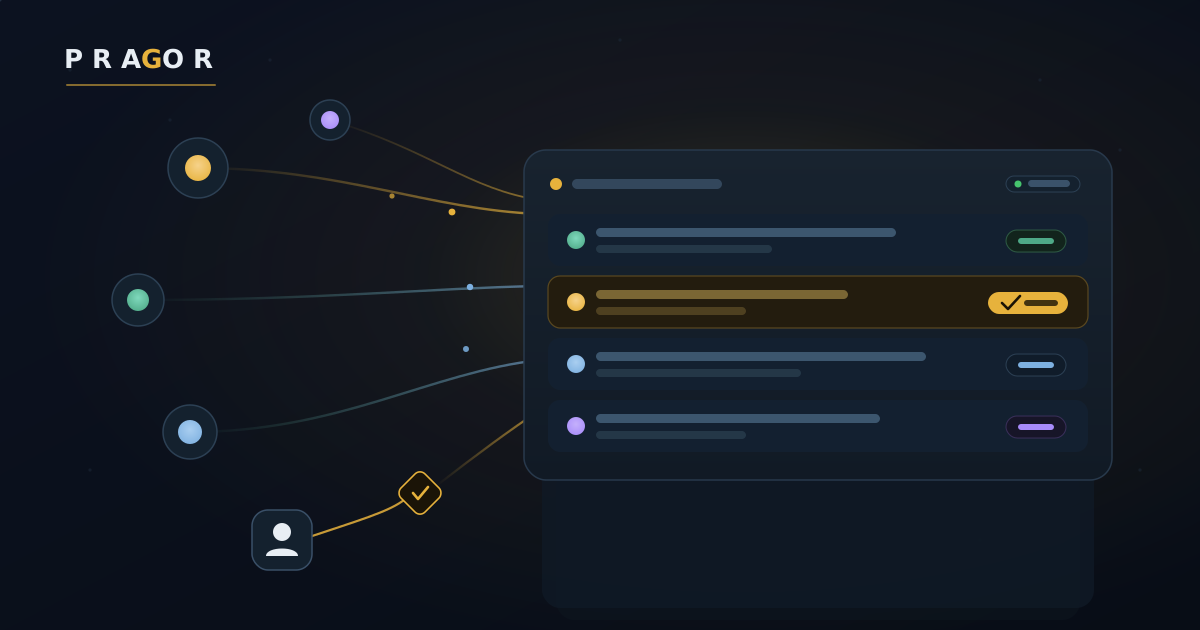
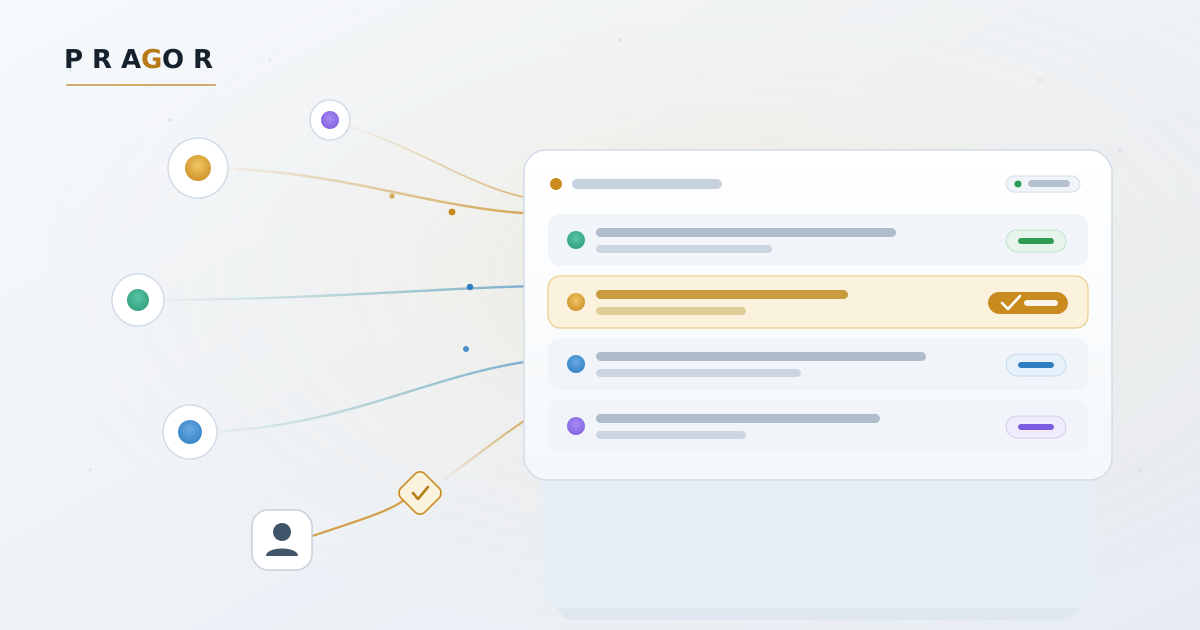
Hosted AI assistants — ChatGPT, Claude, Codex — are good at doing work, but connecting them to your own systems has been awkward and, frankly, unsafe. The usual answer is “paste a bearer token,” which fails twice: hosted assistants often refuse to send a token to an origin they don’t trust, and even when they can, a long-lived credential sitting in a chat window is exactly where a credential should never be.
So we made your board’s MCP server a proper OAuth 2.1 connector. Add it once, sign in to Pragor, approve — and the assistant can read and act on your board natively, with no token ever pasted anywhere.
How it works
Pragor now speaks the full MCP authorization handshake, so any compliant client can discover and connect on its own:
- Discovery — the MCP endpoint advertises its protected-resource metadata (RFC 9728) and Pragor’s authorization-server metadata (RFC 8414).
- Dynamic registration — the assistant registers itself as a client (RFC 7591); you hand-configure nothing.
- Authorize with PKCE — you land on a Pragor consent screen, sign in and approve, and an authorization code comes back with PKCE (S256) protecting the exchange.
- Scoped tokens — the assistant swaps the code for a short-lived access token (plus a rotating refresh token) bound to exactly one project’s board.
Governed by design
Connecting an assistant to your operation shouldn’t mean handing it the keys. Every connection is:
- Scoped — you grant
board.read,board.write, or both. A read-only connector cannot post or change anything. - Attributable — the connector acts as a named agent on the board, always as a plain developer role (never elevated), so every message and task it creates is attributed and auditable.
- Audience-bound — a token minted for one project is refused everywhere else.
- Short-lived and revocable — access tokens expire quickly, refresh tokens rotate on use, and you can revoke a connector at any time. The authorization itself lands on your audit trail.
Connect in a minute
In your assistant’s connector settings, add a custom MCP connector pointing at your board:
https://pragor.net/api/projects/<your-project>/mcpThe assistant discovers the OAuth flow, sends you to Pragor to sign in and approve, and you’re connected. Prefer scripts or an IDE like Cursor? The existing project bearer token still works — OAuth is simply the safer way to connect a hosted assistant.
It’s live now on every board. If you run agents in more than one place, this is how you bring them onto one governed board — without a single token in a chat window.
You decide who connects
Connecting an assistant is one thing; staying in control of it is another. Every connector shows up in a Connectors view — in the operator console, and in the customer portal for the boards you own. From there you can Accept, Decline or Revoke at any time, and every decision lands on the audit trail.
A connection you start yourself goes live immediately. One a teammate starts arrives as pending for you to approve — so a member can request a ChatGPT connection, but a board owner or operator decides. Revoke cuts a connector off at once: its tokens stop working the moment you click.